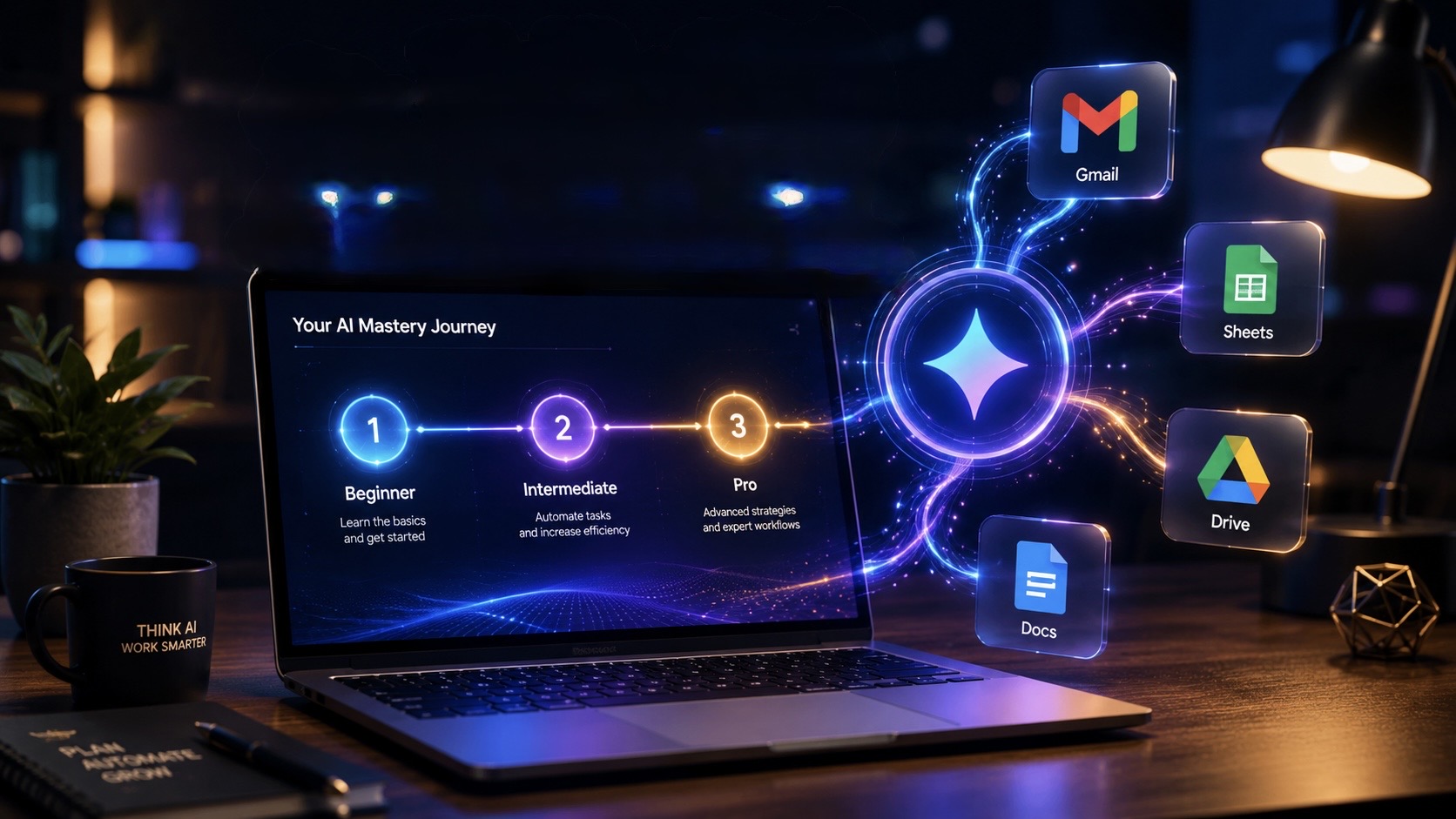
🚀 Google Gemini Master Guide: From Beginner to Pro
Many people think Google Gemini is just another AI chatbot.
Ask a question.
Generate an email.
Summarize a paragraph.
Done.
But that's only a tiny fraction of what it can actually do.
Today, Gemini has evolved into a complete AI ecosystem capable of researching information, analyzing documents, organizing your work, generating creative content, assisting with coding, and even automating parts of your daily workflow.
The difference between an average user and a power user isn't the AI itself—it's how they use it.
This guide walks through Gemini in three practical stages: Beginner, Intermediate, and Pro, helping you unlock features that most users never explore.
🟢 Level 1: Beginner — Learn the Fundamentals
If you're just getting started with Gemini, your first goal shouldn't be writing better prompts—it should be understanding what Gemini can actually understand.
Unlike traditional chatbots, Gemini is multimodal, meaning it can work with text, images, PDFs, documents, audio, and even videos within the same conversation.
📄 Analyze Documents Without Reading Everything
Long reports, handwritten notes, invoices, receipts, PDFs, research papers, and presentations often consume hours of manual work.
Instead of reading hundreds of pages yourself, Gemini can quickly identify key information, summarize complex content, explain technical concepts, and organize scattered information into something much easier to understand.
Rather than replacing your judgment, it helps you reach important information much faster.
🎙️ Practice Conversations with Gemini Live
Gemini Live transforms AI into a real-time conversation partner.
Instead of typing prompts, you can simply speak naturally.
This becomes useful in situations like:
- 💼 Practicing client meetings
- 🎤 Preparing for interviews
- 🌍 Learning a new language
- 📚 Explaining difficult topics
- 🗣️ Improving public speaking
You can even discuss images or videos during conversations, making the experience feel much more natural than traditional chat interfaces.
📚 Gemini vs NotebookLM
Many users assume these are competing products.
They're not.
They solve different problems.
Use Gemini when you need:
- Internet knowledge
- Creative brainstorming
- Coding help
- Fast answers
- Flexible conversations
Use NotebookLM when you need:
- Research based only on your own documents
- Reliable source citations
- Technical documentation analysis
- Company knowledge bases
- Academic research
A smart workflow often combines both.
Research and organize information inside NotebookLM, then bring those insights into Gemini for brainstorming, writing, or planning.
🟡 Level 2: Intermediate — Unlock Google Workspace
This is where Gemini starts becoming a productivity assistant rather than just a chatbot.
Instead of working separately, it integrates directly with Google's ecosystem.
📧 Gmail & Google Meet
Long email threads can quickly become overwhelming.
Rather than reading dozens of replies manually, Gemini helps identify:
- Important discussions
- Pending replies
- Key decisions
- Action items
During Google Meet sessions, Gemini can assist with transcripts, summaries, and meeting notes, allowing you to focus more on conversations instead of constantly taking notes.
📊 Google Sheets & Slides
Gemini can dramatically reduce repetitive work inside spreadsheets and presentations.
Instead of starting with a blank document, you can quickly generate:
- Presentation outlines
- Business summaries
- Tables
- Data organization
- Spreadsheet formulas
- Structured reports
This is particularly useful for consultants, analysts, managers, and students.
🔍 Deep Research
Sometimes you don't need quick answers—you need comprehensive understanding.
Deep Research helps gather information from multiple sources, organize findings, compare viewpoints, and create structured research reports that are far more detailed than standard AI responses.
It's especially useful for:
- Market research
- Competitor analysis
- Technology comparisons
- Academic work
- Business planning
🎨 Canvas
Research is only valuable if it's easy to understand.
Canvas transforms structured information into visual content such as:
- Infographics
- Timelines
- Content calendars
- Visual summaries
- Planning boards
Instead of manually designing everything, you can focus on refining ideas.
🎓 Guided Learning
Learning becomes much more effective when you're actively involved.
Instead of simply giving answers, Guided Learning encourages deeper understanding by asking follow-up questions, testing your reasoning, and helping reinforce concepts step by step.
It's especially valuable for students, professionals learning new skills, and certification preparation.
🎬 AI Media Generation
Gemini also supports creative workflows.
Depending on available features and plans, it can assist with generating:
- Images
- Visual concepts
- Creative illustrations
- Video ideas
- Music concepts
- Marketing assets
This makes it useful not only for developers but also for designers, creators, educators, and marketing teams.
🔴 Level 3: Pro — Automate Your Workflow
Professional users don't just ask Gemini questions.
They build repeatable systems around it.
The goal shifts from saving minutes to saving hours every week.
💎 Create Custom Gems
If you frequently perform similar tasks, repeating the same prompt every day becomes unnecessary.
Custom Gems allow you to create specialized AI assistants designed around specific workflows.
Examples include:
- Technical writing assistant
- Code review specialist
- Marketing strategist
- Resume reviewer
- Content editor
- Customer support assistant
Once configured, the AI maintains a consistent style and workflow without requiring repeated instructions.
⏰ Scheduled Actions
Not every task needs to happen manually.
Gemini can help manage recurring activities such as:
- Weekly industry updates
- Daily news summaries
- Research reminders
- Project reviews
- Productivity reports
Instead of remembering to ask every time, information arrives when you need it.
⚙️ Google Workspace Automation
One of Gemini's biggest strengths is reducing repetitive work across Google's productivity ecosystem.
Rather than constantly switching between Gmail, Docs, Drive, Calendar, and Tasks, AI can help connect information and simplify everyday workflows.
Imagine a client email arriving.
Instead of manually reading it, extracting action items, creating tasks, opening documents, and organizing everything yourself, AI can assist in transforming that email into structured work that's much easier to manage.
The goal isn't replacing people.
It's eliminating repetitive administrative work.
💡 Tips to Get Better Results
Even powerful AI performs better with better instructions.
A few habits can dramatically improve response quality:
✅ Provide context before asking questions.
✅ Explain your goal instead of requesting only an output.
✅ Ask Gemini to compare multiple perspectives rather than giving a single answer.
✅ Break complex projects into smaller conversations.
✅ Use Gemini for thinking, planning, reviewing, and improving—not just generating content.
The more context you provide, the more useful the responses become.
🎯 Final Thoughts
Google Gemini has grown far beyond being a simple AI chatbot.
It's now an intelligent productivity platform capable of helping you research information, organize knowledge, manage documents, collaborate inside Google Workspace, generate creative content, and automate repetitive workflows.
Most users only experience a small portion of its capabilities.
The biggest productivity gains come when Gemini becomes part of your daily workflow rather than a tool you occasionally open to ask questions.
Whether you're a student, developer, content creator, entrepreneur, researcher, or business professional, mastering these three levels will help you spend less time on repetitive work and more time focusing on meaningful decisions and creative problem-solving.
