Unlocking AI Video Generation: Cloud vs. Local (Expert Guide)
Discover the best free AI video generators for cloud-based and local, open-source models, and learn how to choose the right tool for your filmmaking or social media content creation needs.
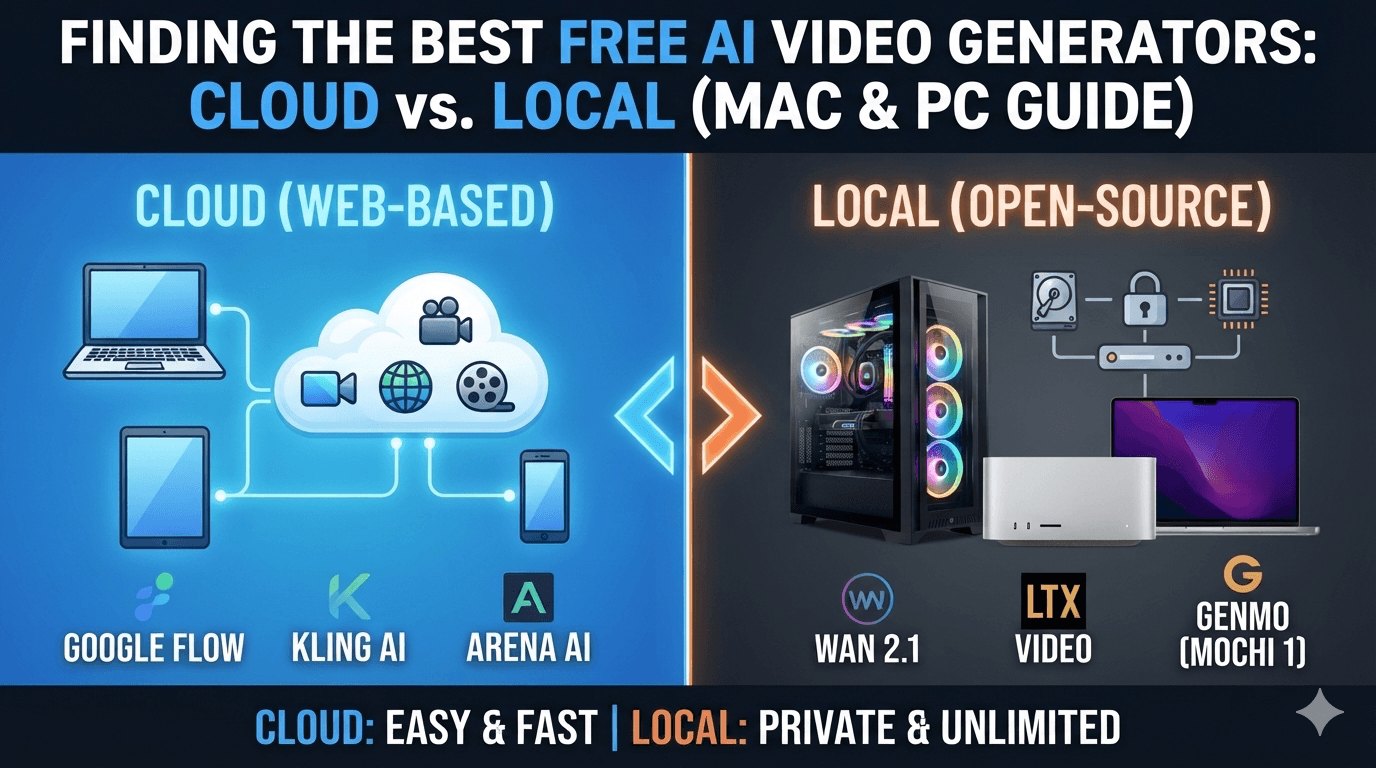
- Google Flow (Powered by Veo):This is currently the gold standard for free web tools. It offers a highly generous daily credit allowance, generates video up to 4K resolution, and supports native, synchronized audio and character dialogue.
- Kling AI:Known for its exceptional cinematic quality, Kling is a favorite for creators who need realistic human motion and physics. Its free tier grants you a daily credit refresh, giving you plenty of room to experiment without being forced into a subscription.
- Arena AI:Unlike platforms that hide their best features behind a paywall, Arena AI is entirely free. It functions as an aggregator, routing your text prompts to top-tier open models like MiniMax H3 to give you seamless video clips completely free of charge.
| Local Open-Source Model | PC & Linux Requirements | Mac (Apple Silicon) Requirements | Why It's Worth It |
|---|---|---|---|
| Wan 2.1 / 2.2 (1.3B Variant) | Nvidia GPU with8GB–12GB VRAM | M-Series Pro or Max • Minimum32GB Unified RAM | Alibaba's powerhouse model. The 1.3B variant is highly optimized, yielding stunning realism and text-to-video accuracy on consumer hardware. |
| LTX Video (LTX2) | Nvidia GPU with8GB VRAM | Base M-Series or higher • Minimum16GB–24GB Unified RAM | The gold standard for low-spec hardware. It is incredibly efficient and natively generates multi-shot video clips complete with synchronized audio. |
| Genmo (Mochi 1) | Nvidia GPU with12GB–16GB VRAM | M-Series Pro/Max/Ultra • Minimum32GB–64GB Unified RAM | A highly flexible, community-loved model built on an advanced transformer architecture. Great for complex camera movements and custom styling. |
- Choose Cloud Tools (Google Flow, Kling, Arena) if:You want a fast, click-and-generate experience, have a standard laptop or older computer, and don't want to deal with technical setups.
- Choose Local Open-Source (Wan, LTX, Mochi) if:You own a powerful computer (like an Nvidia-equipped PC or an Apple Silicon Mac with 32GB+ RAM), want 100% privacy, and want unlimited, permanent video generations without ever seeing a price tag.

Subscribe to One2Tech Insights
Stay updated with our latest development and tech guides.
More from Dev & AI
View all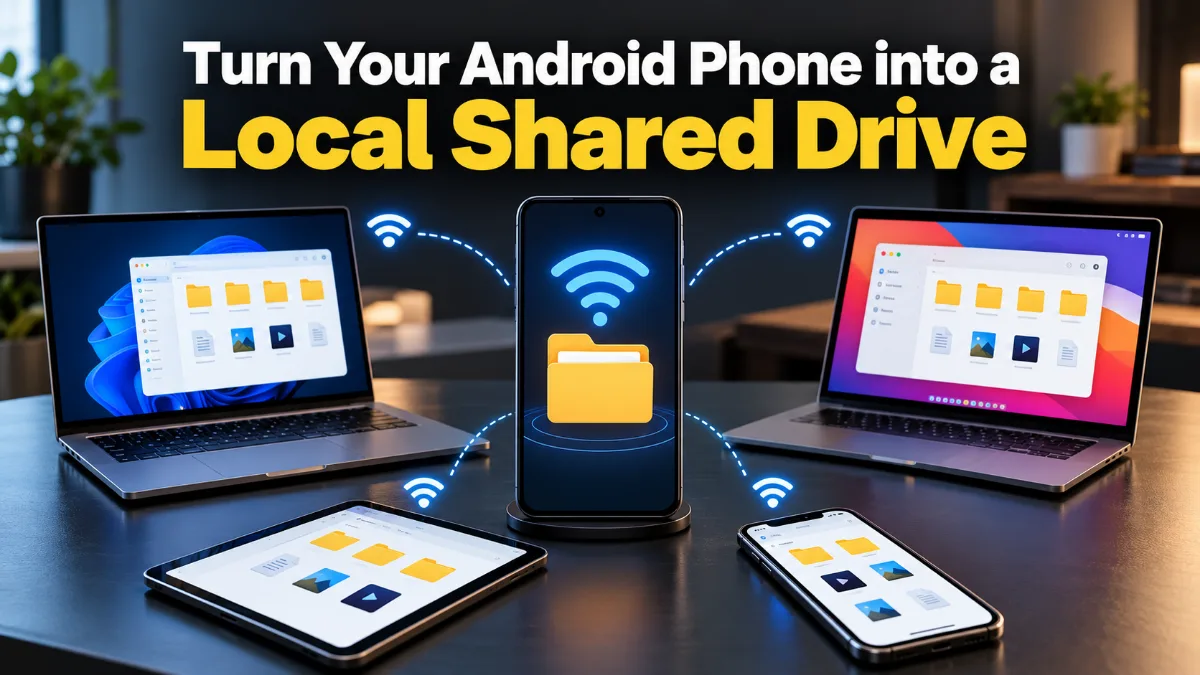
How to Turn Your Android Phone into a Local Shared Drive Using Wi-Fi Hotspot
You can turn your Android phone into a local file-sharing server and access a specific folder from Windows, Mac, or other phones connected to its Wi-Fi hotspot.
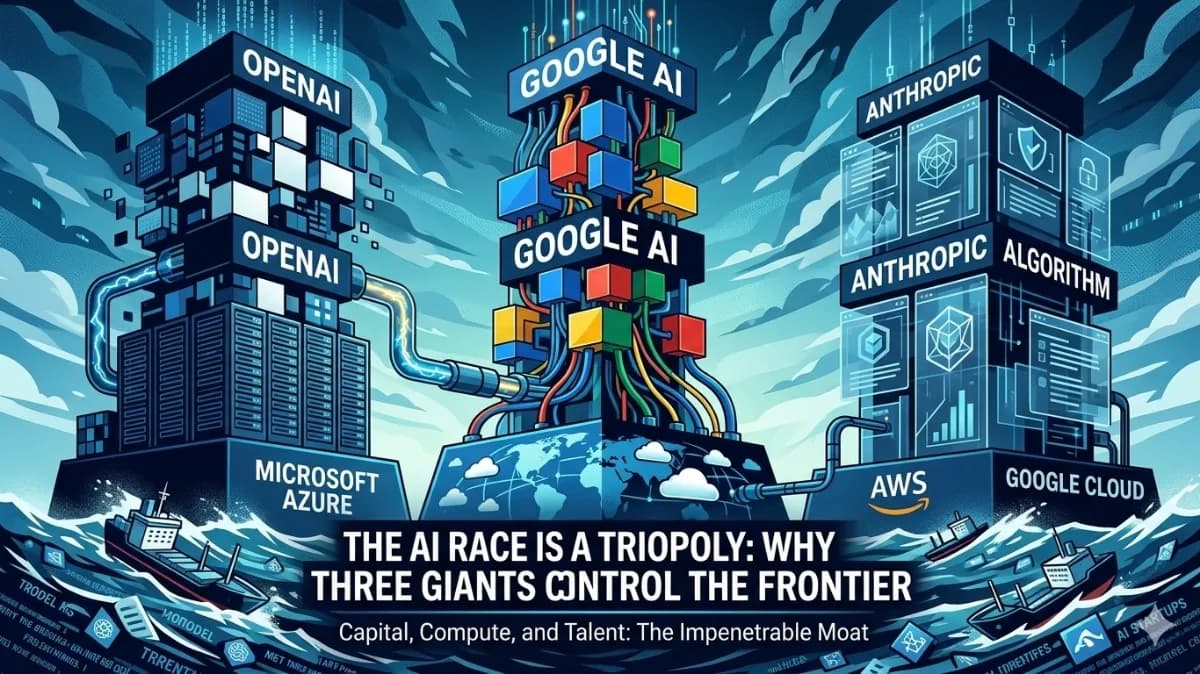
The AI Triopoly: Unpacking the Dominance of Google, OpenAI, and Anthropic
The global AI landscape appears vast, but beneath the surface, a triopoly of Google, OpenAI, and Anthropic controls nearly 90% of frontier AI capabilities. This trio has built an impenetrable moat around the future of technology, making it mathematically improbable for new entrants to break in. In this article, we'll delve into the data-driven breakdown of how these three players established their structural monopoly and why it's so difficult to disrupt.