How to Build a SaaS Business Website for Free (No Coding Needed)
Discover the secret blueprint to launch a fully automated, responsive Single Page Application (SPA) SaaS business website with zero cost and absolutely no coding required.

Introduction
Building a professional, market-ready web platform used to require deep programming expertise or a massive budget for development agencies. In 2026, the landscape has completely shifted. You can now launch a highly polished Single Page Application (SPA) designed to handle an active SaaS business model entirely on your own terms—without writing a single line of code.
By leveraging powerful modern visual development strategies and advanced frameworks, you can deploy professional digital assets directly to the public domain with zero setup costs. Here is exactly how it is done.
The Ultimate SaaS Architecture: Key Features
A true business-run website requires more than just clean layout design. To operate effectively on autopilot, your web platform needs integrated infrastructure to handle user workflows seamlessly.
1. Zero-Cost Public Domain Deployment
Deploying your project safely to a global live environment does not mean signing up for expensive recurring hosting fees. Using robust cloud-native optimization pipelines, you can easily link your production build to custom endpoints securely, resulting in fast load times across desktop and mobile browsers.
2. Native User Authentication
Security and user tracking form the core of any functional software service. Setting up secure user signup workflows and custom login interfaces allows you to protect content directories and manage individual client spaces dynamically without needing a complex backend database engineer.
3. Integrated Payment Gateways
An automated business requires reliable monetization funnels. By integrating secure, cloud-ready payment modes and web checkout actions directly into your application architecture, you can transition your web application into a live commercial portal ready to clear automated client transactions.
4. Advanced Admin Controls & Role Assignment
Managing an app efficiently requires distinct operational hierarchies. Building custom administrative dashboard modules grants you the keys to monitor system health, view incoming user records, and toggle individual security rights seamlessly across different operational tiers.
Conclusion
The path to scaling custom web portals and high-end software layouts no longer requires months of development constraints. With modern visual development techniques, transforming a concept into a fully responsive, deployed digital asset is now accessible to everyone.
-----------------------------------ends here-----------------------------
On This Page

Subscribe to One2Tech Insights
Stay updated with our latest development and tech guides.
More from Website Dev
View all
How to Turn Your Android Phone into a Local Shared Drive Using Wi-Fi Hotspot
You can turn your Android phone into a local file-sharing server and access a specific folder from Windows, Mac, or other phones connected to its Wi-Fi hotspot.
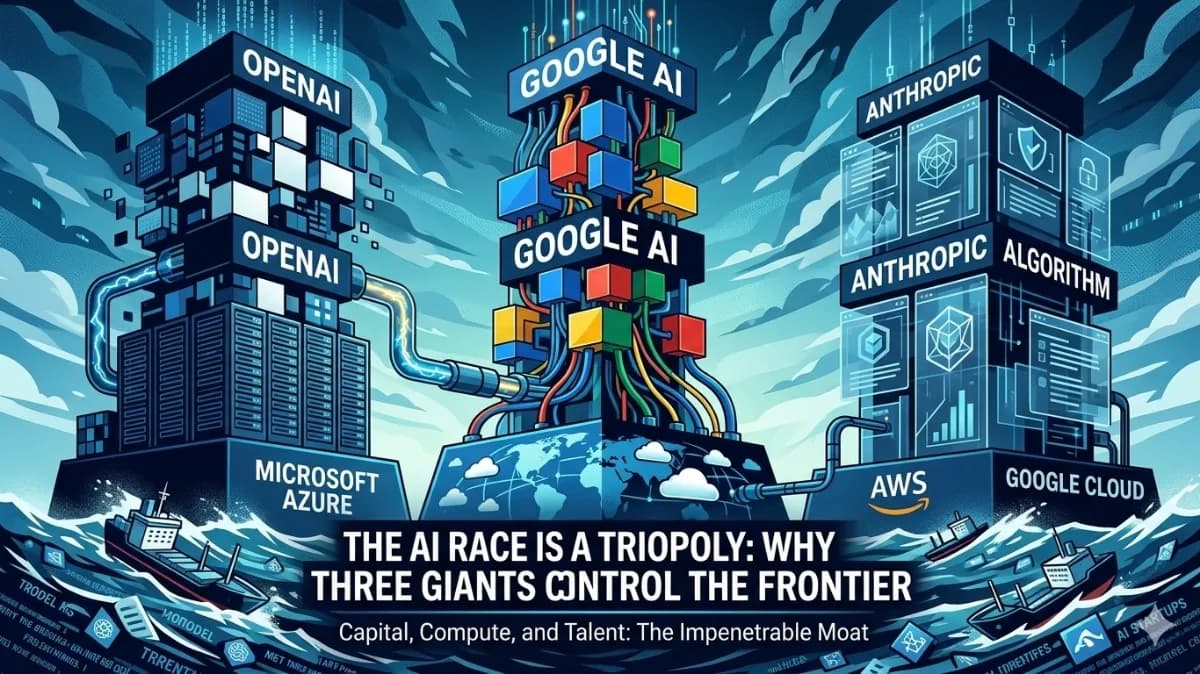
The AI Triopoly: Unpacking the Dominance of Google, OpenAI, and Anthropic
The global AI landscape appears vast, but beneath the surface, a triopoly of Google, OpenAI, and Anthropic controls nearly 90% of frontier AI capabilities. This trio has built an impenetrable moat around the future of technology, making it mathematically improbable for new entrants to break in. In this article, we'll delve into the data-driven breakdown of how these three players established their structural monopoly and why it's so difficult to disrupt.