Universal Web Product Quality & AI Coding Playbo
A practical framework for building reliable web products—from data architecture and UI/UX to responsiveness, performance, security, testing, and AI coding-agent verification.

Modern web development is not just about writing code and making a feature work. A website can technically function while still having poor data architecture, broken responsive layouts, confusing UX, weak security, or unnecessary performance problems.
A better approach is to follow a complete product-quality sequence:
This playbook provides a reusable standard for building, reviewing, improving, and maintaining modern web applications—regardless of the framework, codebase, or project size.
🧱 1. Fix the Data Before Fixing the UI
Many UI problems are actually symptoms of poor data structures.
Instead of storing categories, statuses, prices, tags, and metadata inside unstructured fields, keep them properly structured and typed.
| Area | Source of Truth |
|---|---|
| Database | Constraints |
| API | Validation |
| Admin | Forms |
| Frontend | Display |
| Search | Filters |
| Analytics | Real Data |
Predictable values such as slugs, excerpts, search indexes, and counts should be derived automatically where appropriate.
Rule:If a UI feature feels unnecessarily difficult to build, check the data model first.
🔄 2. Use One Source of Truth
Business rules should not be duplicated across multiple files or components.
Centralize:
- Categories
- Statuses
- Permissions
- Pricing rules
- Validation
- Feature flags
- Configuration
- Shared constants
The same principle applies to content rendering. If the same content appears in cards, previews, search results, and detail pages, use a shared rendering system instead of rebuilding it repeatedly.
🧹 3. Normalize Data at the Boundary
Data coming from users, CSV files, Markdown, AI tools, APIs, or external integrations should be cleaned before entering the application.
Use:
This allows downstream components to work with predictable data instead of repeatedly defending against malformed input.
Content should also preserve its semantic structure:
Correct structure improves reliability, accessibility, search, and responsive rendering.
📱 4. Responsive Means More Than Mobile-Friendly
A professional web product should be tested across real device sizes:
| Device State | What to Check |
|---|---|
| Large Desktop | Width, spacing, grids |
| Desktop | Content density |
| Tablet | Layout transitions |
| Mobile | Navigation, cards, forms |
| Narrow Mobile | Wrapping and overflow |
Do not test only with perfect demo content.
Also test:
- Long titles
- Long descriptions
- Missing images
- Large numbers
- Many tags
- Zero items
- One item
- Loading states
- Error states
- Large datasets
Empty States Matter Too
| Data State | Expected Experience |
|---|---|
| 0 Items | Helpful message + CTA |
| 1–2 Items | Balanced layout |
| Many Items | Pagination + filtering + sorting |
A collection is not truly complete until its empty, normal, and heavy states are designed.
🎯 5. Every Page Needs a Purpose
Every important page should answer one basic question:
What should the user understand, decide, or do here?
A good page should have:
- Primary objective
- Primary CTA
- Supporting information
- Logical next step
Do not let users reach a dead end after reading or completing an action.
Show relevant:
- Related content
- Products
- Services
- Next articles
- Contact actions
- Purchase actions
- Navigation
Rule:End the user's journey intentionally.
♿ 6. Accessibility Is Part of Product Quality
Accessibility should be considered during development, not added as a final cosmetic layer.
Important areas include:
- Keyboard navigation
- Focus states
- Semantic HTML
- Screen-reader labels
- Color contrast
- Form labels
- Error messages
- Touch-friendly controls
- Meaningful headings
- Reduced-motion considerations
A feature is not truly complete if it works only for users interacting with a mouse and screen.
🧹 7. Remove Deprecated Features Completely
Hiding an old feature from the UI does not mean it has been removed.
When deleting a feature, check its entire footprint:
Also remove unused components, dead CSS, outdated APIs, and abandoned feature flags.
Removed means removed—not invisible.
⚙️ 8. Design Every Feature State
Do not design only the successful scenario.
Important states include:
Avoid generic errors such as:
Something went wrong.
Prefer useful messages such as:
We couldn’t save your changes. Check your connection and try again.
A good error should explain:
- What happened?
- Did anything change?
- What can the user do now?
⚡ 9. Measure Performance Before Optimizing
Do not optimize based on assumptions.
Measure:
- Network requests
- Database queries
- Bundle size
- Server response time
- Image size
- JavaScript execution
- Rendering cost
- Repeated requests
Then follow:
Always prioritize the largest real bottleneck instead of optimizing whatever happens to be easiest to change.
🔐 10. Security Is a Default Requirement
Any application handling user-controlled data should consider:
- Authentication
- Authorization
- Input validation
- HTML sanitization
- Secure cookies
- Rate limiting
- Secret management
- File validation
- Query safety
- Dependency security
Frontend validation is useful for user experience, but it isnot a security boundary.
Security checks must also happen at the appropriate trust boundaries.
🧪 11. Build Success Does Not Mean Product Success
A successful build only proves that the code compiles.
It does not prove that:
- The UI looks correct
- Mobile layouts work
- Empty states are useful
- CTAs are clear
- Data renders correctly
- Existing functionality still works
Always inspect the actual rendered product whenever possible.
Build success is a technical signal—not a product-quality certificate.
🤖 12. AI Coding Agents Should Audit First
An AI coding agent should not immediately start changing code based on assumptions.
Before implementation, it should inspect:
- Actual file paths
- Relevant components
- Current data flow
- Existing APIs
- Database logic
- Dependencies
- Tests
- Current behavior
The correct workflow is:
Not:
Agent reports should contain evidence rather than simply saying“Implemented successfully.”
| Check | Result | Evidence |
|---|---|---|
| Feature | Yes/No | File / Function |
| API | Yes/No | Route |
| Database | Yes/No | Schema |
| Responsive | Pass/Fail | Verification |
| Tests | Pass/Fail | Test |
Confidence is not evidence.
🛡️ 13. Use Dry Runs for Risky Changes
Before executing database migrations, bulk updates, backfills, deletions, or large-scale normalization, preview the operation first.
A useful dry run should show:
- What will change
- Number of affected records
- Before/after examples
- Potential conflicts
- Errors or skipped records
Only after reviewing the result should the actual operation be executed.
Rule:Preview large or destructive changes before applying them.
✅ Final Quality Checklist
Before declaring a feature or page complete, run a final audit:
| Area | Quality Check |
|---|---|
| Data | Structured, validated, trustworthy |
| Architecture | Shared logic centralized |
| Rendering | No unnecessary duplicate implementations |
| UI | Desktop, tablet, and mobile ready |
| UX | Clear purpose, CTA, and next step |
| Accessibility | Keyboard, labels, contrast, semantics |
| Performance | Real bottlenecks measured and addressed |
| Security | Trust boundaries properly validated |
| Testing | Happy paths and edge cases verified |
| AI Agent | Repository inspected and evidence provided |
| Regression | Existing functionality re-checked |
🧠 The Universal Rule
Whenever something goes wrong, ask:
“Where is the real problem?”
Then follow:
Not:
The goal is not simply to make today's screen look correct.
The goal is to build an underlying system that remains reliable when thedata, device, content, user, and requirements change.
🤖 AI Agent Operating Principle
A reliable AI coding agent should behave like:
Never:
The agent should inspect reality before modifying it, make the smallest justified change, provide evidence for its claims, and verify the actual product after implementation.
Quality is not simply the absence of errors in code. Quality is the reliability of the complete product under real-world conditions.
On This Page
- 🧱 1. Fix the Data Before Fixing the UI
- 🔄 2. Use One Source of Truth
- 🧹 3. Normalize Data at the Boundary
- 📱 4. Responsive Means More Than Mobile-Friendly
- Empty States Matter Too
- 🎯 5. Every Page Needs a Purpose
- ♿ 6. Accessibility Is Part of Product Quality
- 🧹 7. Remove Deprecated Features Completely
- ⚙️ 8. Design Every Feature State
- ⚡ 9. Measure Performance Before Optimizing
- 🔐 10. Security Is a Default Requirement
- 🧪 11. Build Success Does Not Mean Product Success
- 🤖 12. AI Coding Agents Should Audit First
- 🛡️ 13. Use Dry Runs for Risky Changes
- ✅ Final Quality Checklist
- 🧠 The Universal Rule
- 🤖 AI Agent Operating Principle

Subscribe to One2Tech Insights
Stay updated with our latest development and tech guides.
More from Dev & AI
View all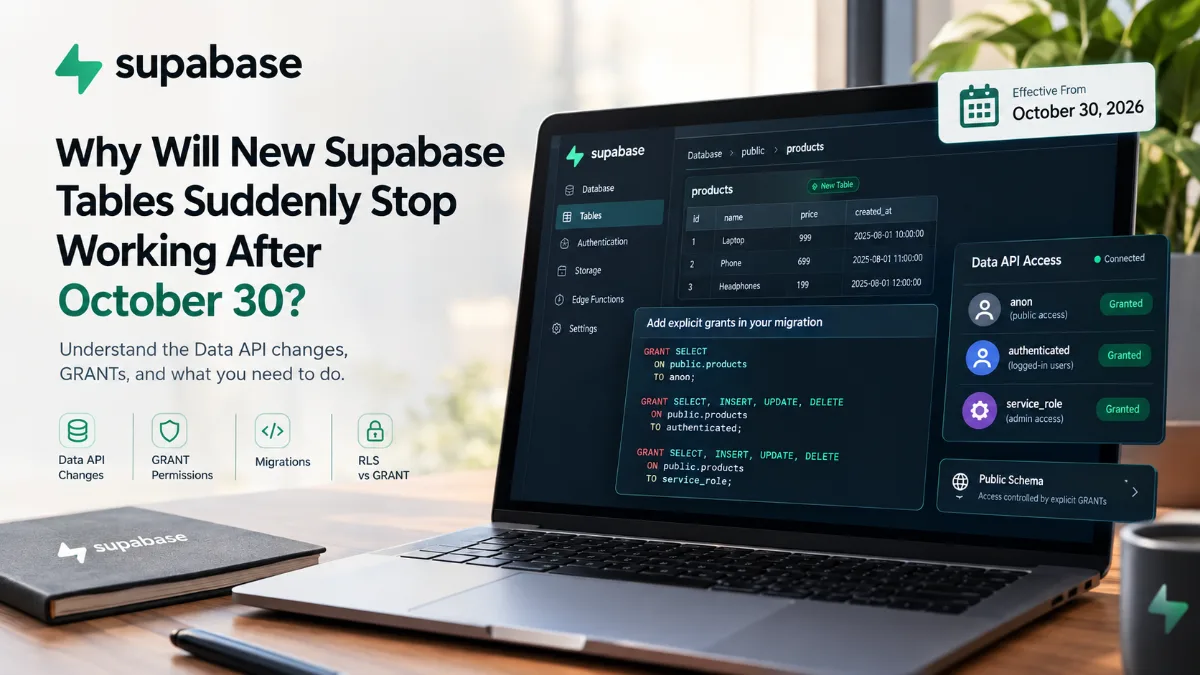
Supabase में 30 अक्टूबर के बाद नई Tables अचानक काम क्यों नहीं करेंगी?
30 अक्टूबर 2026 से Supabase के existing projects में public schema की नई tables Data API से automatically accessible नहीं होंगी। जानिए GRANT, RLS, migrations और existing tables पर इसका क्या असर होगा।
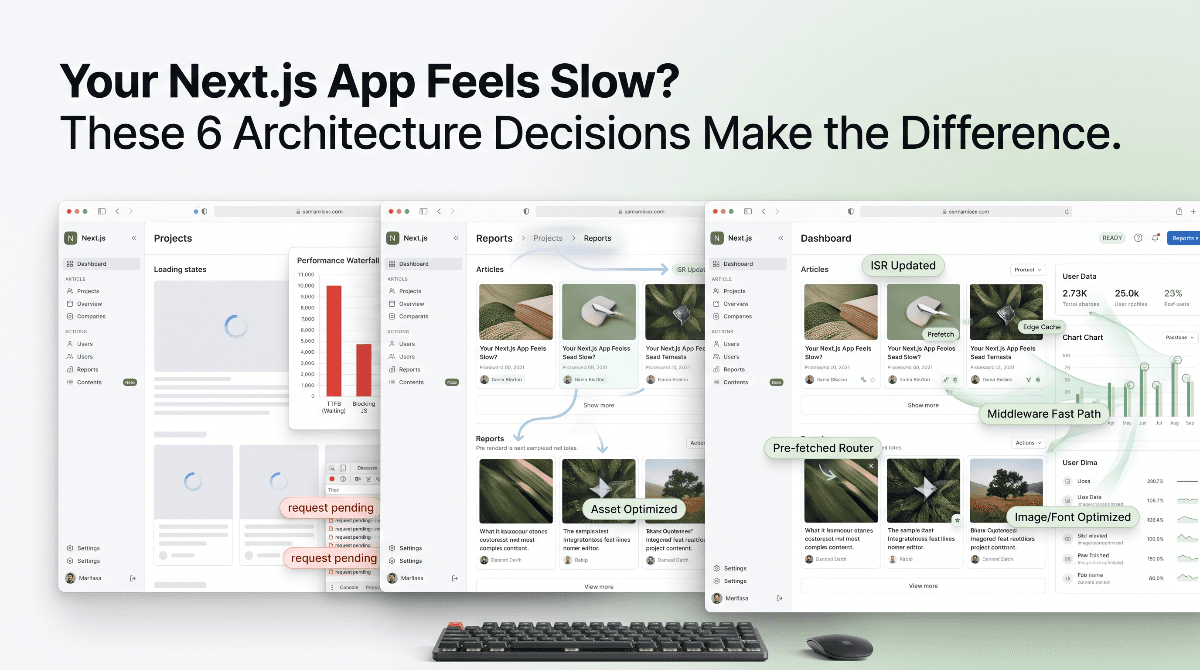
आपकी Next.js App Slow क्यों लगती है? इन 6 Architecture Decisions से फर्क पड़ता है
आपकी Next.js app modern होने के बावजूद slow महसूस हो सकती है। जानिए static rendering, caching, navigation, middleware और data architecture के 6 performance principles जो real-world speed को बेहतर बनाते हैं।